

Пример из практики: слово за старшим разработчиком Noveo Кириллом!
В нашей работе программистов мы особенно ценим проекты, предлагающие действительно интересные и нетривиальные задачи. Такие, с которыми ChatGPT и его аналоги еще не справились. Такие, которые заставляют читать десятки статей, просматривать комментарии к неправильным ответам на StackOverflow и даже углубляться в официальную документацию.
Мне повезло – мы получили заказ на разработку анализатора трафика, способного отправлять перехваченные данные на удаленный сервер. Опытные сетевые инженеры, возможно, сейчас пренебрежительно усмехнутся – подобные задачи часто поручают стажерам на курсах системного программирования. Где же в этом новшество? А что, если в техническом задании будет указано, что все должно быть реализовано с использованием eBPF?
Если вам интересно, как я подошел к этому вопросу и с какими трудностями столкнулся, представляю вам серию из трех статей:
- Разработка концептуального прототипа: какие инструменты были использованы.
- Ответы на ключевые вопросы: «Как вручную фрагментировать пакеты при ограниченных ресурсах?», «Как написать код, который пройдет проверку ядра Linux?», «Что делать, если условные операторы if не работают?»
- Немного об оптимизации и производительности: и о том, как мы всё это интегрировали в Kubernetes.
Что такое eBPF и почему мы его выбрали?
eBPF is an incredibly powerful tool in a Linux developer's arsenal, with vast capabilities –I recommend asking your favorite chatbot for the details. For now, I'll provide a brief overview.
The essence of eBPF programs is that they run in the kernel environment, not in userspace. However, unlike Linux kernel modules, the bytecode of an eBPF program is thoroughly checked by the kernel before loading, eliminating the possibility of memory errors and other issues that lead to kernel panics. I'll write more about the problems this code verifier can cause – it's quite interesting. An eBPF program itself is not a process but an event handler in the kernel: for a network packet arriving, a system call from userspace, or external device usage. As you can see, the possibilities are many, but we'll focus on interacting with network packets.
Why we chose eBPF: The code runs directly in the kernel, ensuring high performance. Packets can be captured before they enter the Linux network stack, meaning we are guaranteed to see every packet exactly as it arrived from the network. On the other hand, eBPF programs have no visible impact on the target system – no extra processes, sockets, and all applications continue to work with the network normally. It is for these reasons that we chose eBPF over raw sockets or DPDK.
Getting Started with eBPF
When you start working with a new technology, the first thing you look for is how to run the local equivalent of "Hello, world!". As it turns out, there are many solutions that allow you to build and load eBPF programs. At first, everything seemed complicated, so I looked for the simplest way that would allow for proper development. I tried several options and eventually settled on the following toolchain:
- Eunomia BPF for compiling and loading programs;
- bpftool for manipulating eBPF data and diagnostics.
Eunomia BPF
It is a wrapper around libbpf (as, indeed, are most other tools), written in Rust. Their compiler, ecc, uses clang under the hood but greatly simplifies working with compilation options and also prepares the metadata needed to load the program into the kernel. Compilation looks like this: ecc src_file.c
You can also add additional compilation flags, for example:
ecc src_file.c -a=-DDEBUG=1The output will be a package.json file containing everything needed to start our program.
Next, we load our program into the kernel. Eunomia offers two ways:
- Run a process that loads the program and unloads it from the kernel when stopped. This is just as simple:
ecli run package.jsonIf there are no errors, the program is loaded into the kernel. Remember, superuser privileges are required since we are working with the OS kernel.
2. Run a local server that will load and unload programs. First, start it:
ecli-server,
Then load and unload programs:
ecli client start package.json # here we get the program ID from the server

ecli client stop <ID>
For getting started, this is quite sufficient. Later, I had to figure out both compilation via clang and managing eBPF programs using the standard Linux utility tc. However, my entire solution, from prototype to final version, worked quite well with Eunomia tools. We only moved away from them to reduce dependencies (everything can be done with native OS tools). Therefore, I won't dwell on this further.
Bpftool
A built-in Linux utility for eBPF manipulation. Initially, I was confident that all necessary operations could be performed with it. However, practice showed that many features provided by libbpf are not implemented in bpftool, and it also uses a rather old version of this library. For those with plenty of time, I recommend taking the latest version of libbpf and writing all necessary operations yourself, creating a highly specialized version of bpftool. Nonetheless, for prototyping and some simple operations, the utility is quite suitable. My solution works exclusively with it, meaning it is also viable for real-world tasks.
Notable drawbacks include the difficulty of error handling (since you essentially have to parse the program's output) and the need to specially format data strings for input and output (for example, to pass 0 as a four-byte key, you must pass "0 0 0 0").
In this project, bpftool was used for manipulating maps – data tables that are practically the only way to interact with a loaded eBPF program from userspace. But more on that later.
In this section, I'd like to mention a non-obvious aspect of working with eBPF programs. Bpftool has a command to load a program but no command to unload it. It turns out a program is unloaded automatically as soon as there are no more references to it from its "users." You can protect a program from unloading by "pinning" it to a file using the bpftool prog pin command. However, you cannot view who is referencing a "hanging" program or from where (or I simply couldn't find a way, despite searching for a long time), which is inconvenient during debugging. Such is the smart pointer of the eBPF world.
It is also important to know that loaded eBPF programs are arranged in a chain according to their assigned priority. The program with higher priority decides, for example, whether to pass a network packet to the next program or send it directly to the network stack. Therefore, it is crucial to monitor the return code you use when exiting an eBPF program.
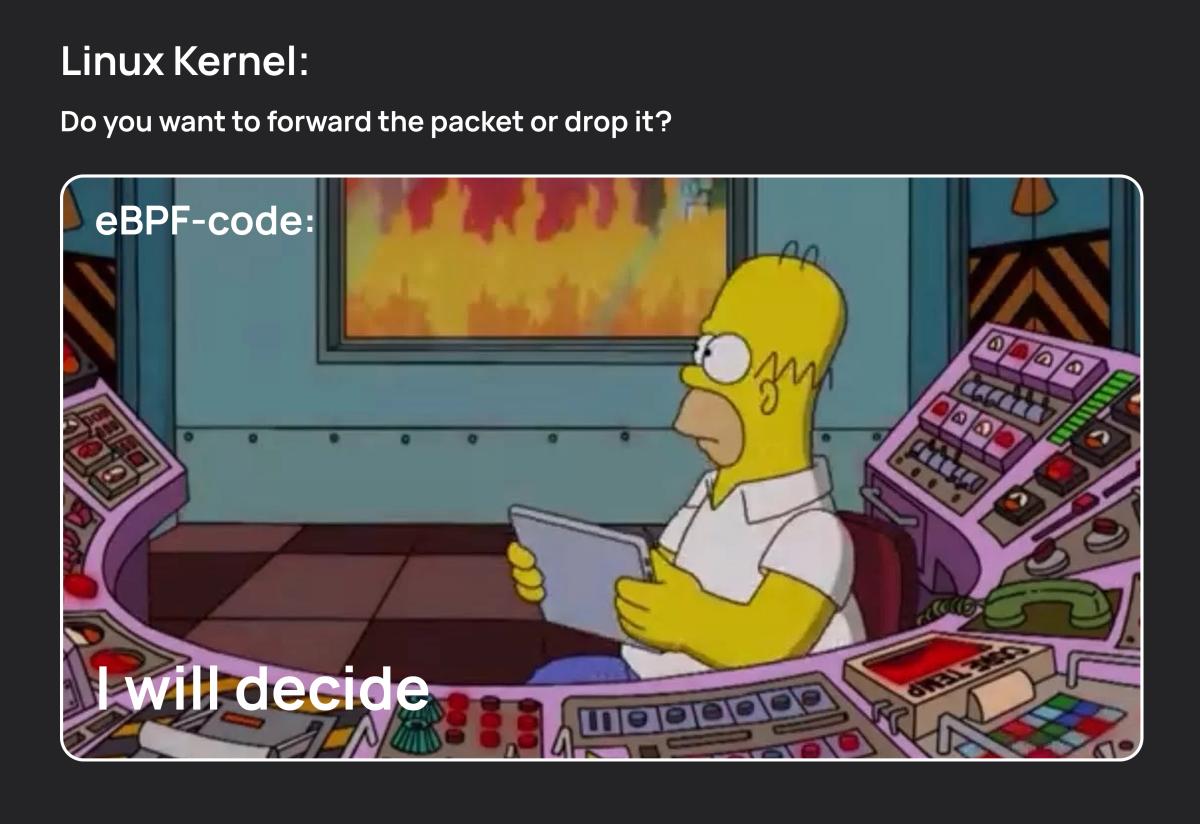
Dev Humor Corner 1
Creating the Prototype
So, what was the general outline of my task? The requirements seemed straightforward:
- The solution must intercept all packets from a given network interface with their original headers, starting from the L2 layer, including both incoming and outgoing traffic.
- Each captured packet is fully encapsulated in a tunnel and sent to a remote server (or servers) for further processing.
There were, of course, additional requirements like collecting statistics and configuring filters to sniff only specific types of traffic. However, we'll leave those outside the scope of this article, as they are less related to the specifics of eBPF programs (well, of course, they do increase the program's size, and there is a certain limit on that, but we'll talk about battling the eBPF code verifier in the next part).
For working with network packets in eBPF, there are several options, the main ones being XDP (Express Data Path) and TC (Traffic Control). Since we need to create full copies of packets and have access to both incoming and outgoing traffic, the only possible choice for the eBPF program type is TC.
Processing each packet will involve the following steps:
- Parse the packet headers to make filtering decisions (a trivial task we will omit);
- Increase the packet size by adding new headers for tunneling;
- Send a copy of the packet to the desired outgoing interface;
- Reduce the packet to its original size, restore headers if necessary, and send the packet further into the Linux network stack.
Let's examine these steps in more detail.
Changing the Packet Size
To modify the packet size in an eBPF program (for the TC type; XDP has other methods), there are three methods available:
bpf_skb_change_head– allows adding N bytes to the beginning of the packet. This looks like an excellent option. It preserves the entire original packet, simply adding space for new headers.bpf_skb_change_tail– allows changing the packet size to a specified length, either increasing or decreasing it. The problem is that the change is made by manipulating bytes at the end of the packet, where user data resides. Additionally, the documentation warns that this method is slow and intended for working with protocol messages, whereas we need to handle all packets.bpf_skb_adjust_room– allows adding or removing space between L2/L3 or L3/L4 headers. It's slightly inconvenient because you have to manually relocate the original L2 header and fill the freed space with tunnel headers, but that's a minor issue. The main point is that this method can achieve my goals. I chose this one for the prototype.
Looking ahead, I'll mention that a problem arose with this solution at some point. An attentive reader might already be wondering: Where will the method add space if the packet doesn't have an L3 header?
Dev Humor Corner 2
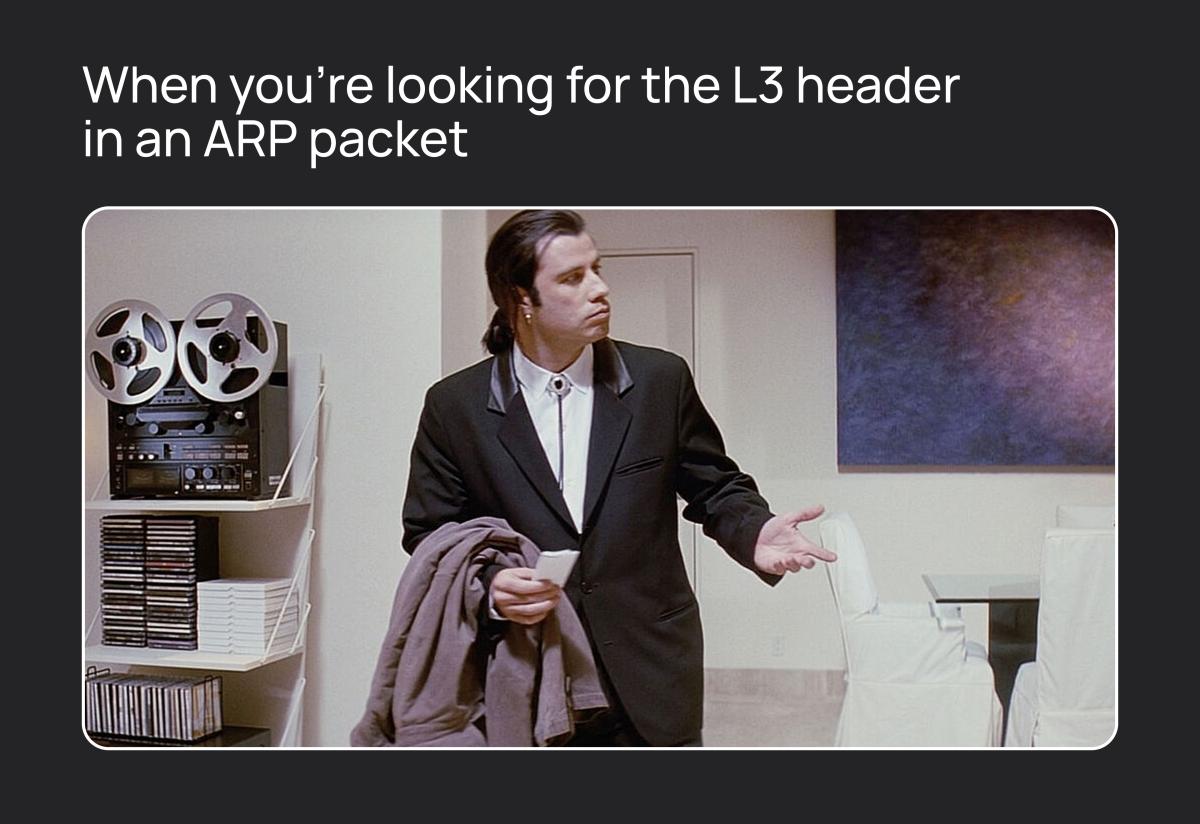
Well, that's correct – the method won't be able to do this and will return an error. Thus, we won't be able to resize many protocol packets (such as ARP requests). As a temporary solution, I started using a combination of bpf_skb_change_head to add space and bpf_skb_change_tail to shrink it back. Since large data packets are IP packets (let's pretend we don't know about MPLS, because they won't be in the client's network), they followed the main path using bpf_skb_adjust_room, while small protocol packets were handled in an alternative, albeit not the most optimal, way. The final version turned out to be much simpler to implement, but we'll talk about that in part three.
Cloning and Redirecting Packets
To get a full copy of a packet along with all its contents, eBPF offers only one option – bpf_clone_redirect, available only in TC‑type programs. This call creates a copy of the packet and places it either into the input queue or the output queue of a network interface. I’ll note an interesting detail you might not think of at first: you can send the copied packet to the same interface that is currently processing it. However, if you decide to go down this path, you need to understand very well how it works. I’ll cover some of the nuances in the next part.
So, I didn’t run into major problems with redirection during the prototype stage. The packet prepared for tunneling is cloned, placed into the output queue of the network interface, and sent off to the recipient.
Actually, eBPF provides quite a few redirection variants for every occasion, but later I only needed one – the simplest. That’s bpf_redirect, which takes a packet from the current interface’s queue and moves it to the input or output queue of another interface. The documentation will tell you about the other methods.
Interacting with Userspace
The last question we haven’t yet addressed is how eBPF programs interact with the user, who is stuck living in userspace. We can pass some information to the eBPF program at startup, but what about changeable information? In my case, that’s details like what headers the tunnel has, which interfaces to use for egress, and so on. We’re certainly not going to reload programs every time the routing table changes! The solution turned out to be eBPF maps – from now on I’ll just call them maps.
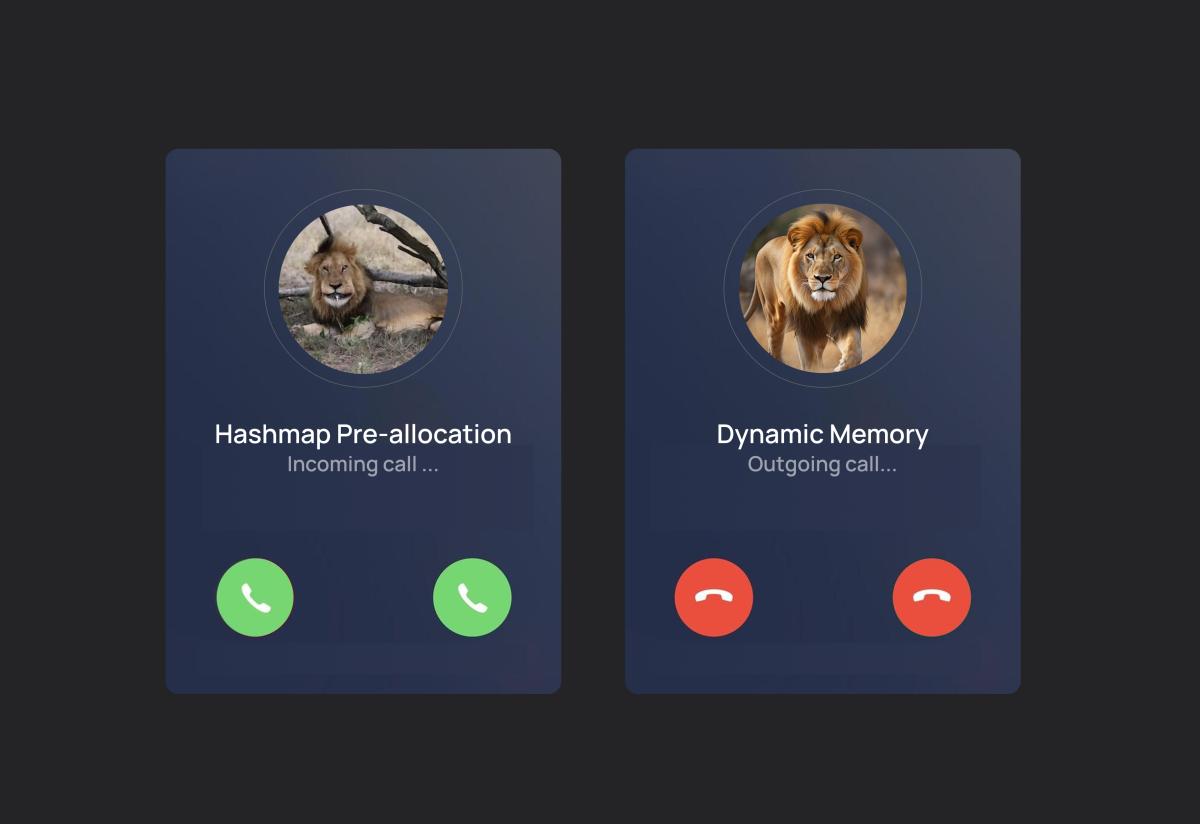
eBPF provides many types of maps, but they are designed for specialized scenarios. In my case, using BPF_MAP_TYPE_HASH – the simplest variant that stores key‑value pairs — proved sufficient. Both the key and the value can be any size, but that size must be known at compile time, as must the maximum number of elements in the map. This is primarily related to code safety. If anyone thought we could use dynamic memory in eBPF, they were mistaken. Everything we need is created when the program is loaded.
Dev Humor Corner 3
Также следует помнить, что если нам нужна карта, доступная из нескольких программ eBPF, её необходимо «закрепить». Вот пример закрепленной карты в коде программы eBPF:
struct {
    __uint(type, BPF_MAP_TYPE_HASH);
    __uint(max_entries, MAX_DB_ENTRIES);
    __type(key, __u32);
    __type(value, db_entry_t);
    __uint(pinning, LIBBPF_PIN_BY_NAME);
} awesome_db SEC(".maps");
А вот как мы можем получить доступ к этой карте из терминала:
bpftool map dump name awesome_dbПример вывода:
[{
        "key": 3,
        "value": {
            "stat": {
                "pcnt": 2136998,
                "bcnt": 3081551116,
                "dcnt": 1329
            }
        }
    }
]
В целом, этой информации достаточно, чтобы начать передачу данных в пространство eBPF.
Предварительный отчет
В этой статье я описал, как мне удалось создать рабочий прототип анализатора eBPF-трафика, и поделился шагами, которые можно повторить в собственном проекте. Мне бы очень хотелось прочитать эту статью перед началом работы над проектом. В интернете не так много подробной, не поверхностной информации об eBPF, поэтому я надеюсь, что эта серия статей поможет кому-нибудь быстрее освоить эту мощную технологию.
В следующих частях я расскажу, как нам удалось унифицировать обработку пакетов и (почти) избавиться от их сжатия, насколько болезненным может быть слово «фрагментация» и что делать, если ваши условные операторы внезапно перестанут работать. Обещаю, будет интересно!
Примечания
Всё описанное в статье относится к ядру Linux версии 6.8. В более ранних версиях некоторые функции могут отсутствовать; в более новых версиях некоторые из описанных проблем могут быть уже исправлены или решены более простыми способами.
Ссылки
- https://docs.ebpf.io/ – основная документация eBPF
- https://eunomia.dev/ – Eunomia BPF
